Dynamic Tables
Overview
Dynamic tables are designed for wider datasets. You can keep important columns static on the left while less important columns stay on the scrollable right side.
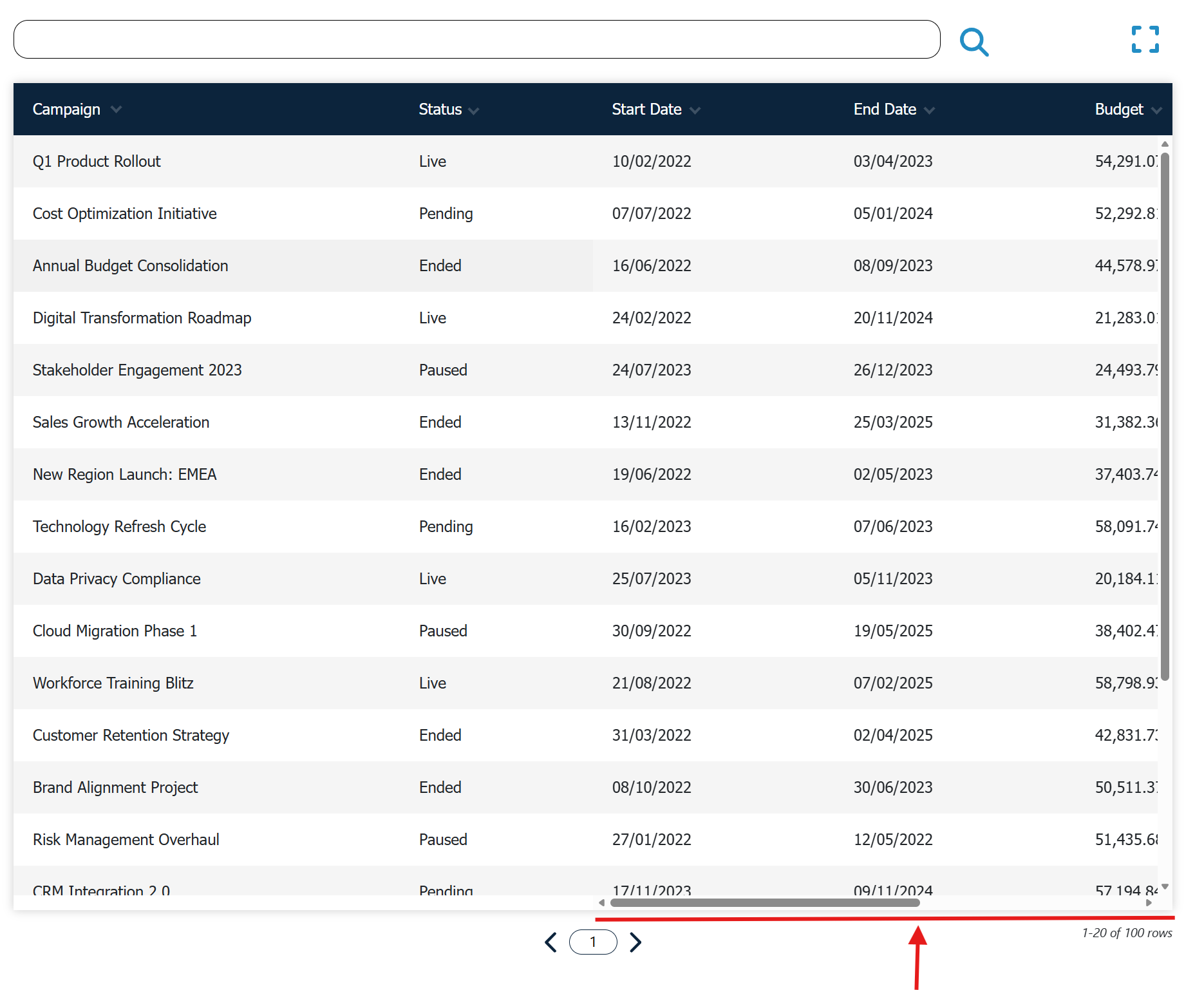
Static And Scrollable Columns
In the Column Editor, each column can be marked as static or scrollable. Static columns stay visible while users scroll horizontally through the rest of the table.
A common setup is to keep identifiers such as Name, Team or Date on the left, and place detailed numeric columns on the right.
When To Choose Dynamic
Choose Dynamic when readers need to compare many columns without losing context. This is useful for operational dashboards, scorecards and larger reports.
Setup Tips
Start with only a few static columns. Too many static columns reduce the visible space for scrollable data, especially on smaller screens.
You can combine Dynamic tables with filtering, ordering, paging and the column picker to keep wide tables easier to navigate.