Regular Tables
Overview
Regular tables are the simplest table type. They are best for smaller datasets where readers can scroll horizontally when needed.
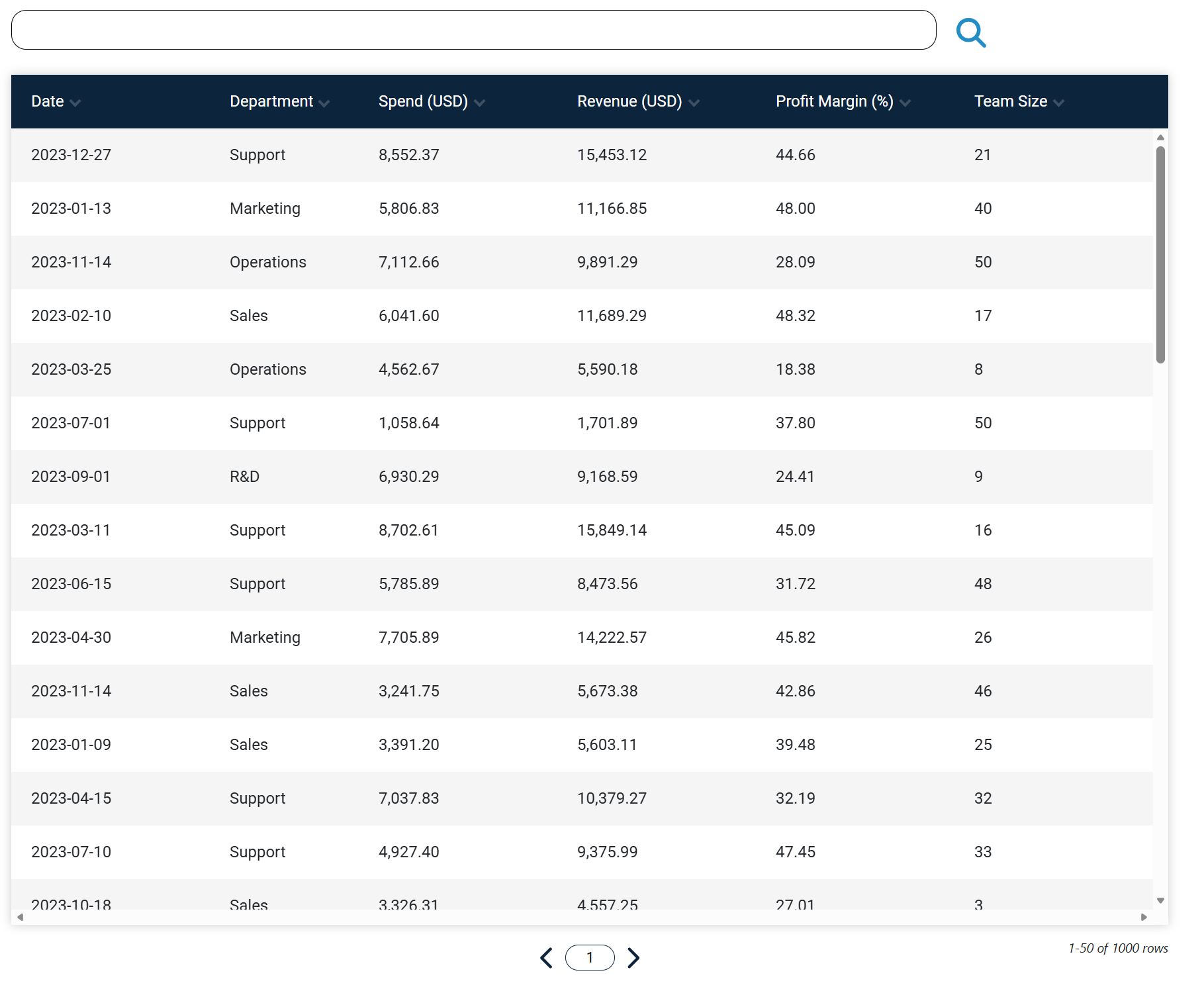
How Regular Tables Behave
In a regular table, columns are not pinned to the left. If the table is wider than the viewport, users can scroll across to view all columns.
This setup is usually the quickest to configure when your table has fewer columns or when every column has similar importance.
When To Choose Regular
Choose Regular when your data is straightforward and you do not need pinned columns or grouped statistics. It works well for small product lists, contact tables and simple internal reports.
Compared With Other Types
Dynamic tables are better when you need a fixed left area for key columns. Statistics tables are better when you need grouped totals, averages or similar summaries.
If your table grows over time, you can switch the type later in the Table Editor and save again.